
In the example below, you can see that the progress note has a yellow
bar beside it.
This indicates that you must finish your note.

Only when you are finished should you perform this action, otherwise
you should leave the yellow bar
as a reminder to finish it at another time.
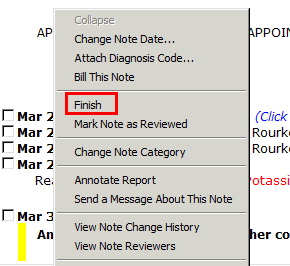
1. To
mark the note finished right-click on the date of the progress
note to launch the options menu,
and click on the Finished option.
2. The yellow bar is now removed.
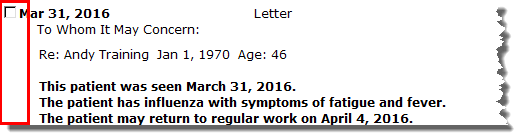

· You can also
clear the yellow bar by double-clicking
on the bar itself

Learning powered by Digital Education